








Lifestyle

Share
Published 09:30 16 Jan 2022 GMT
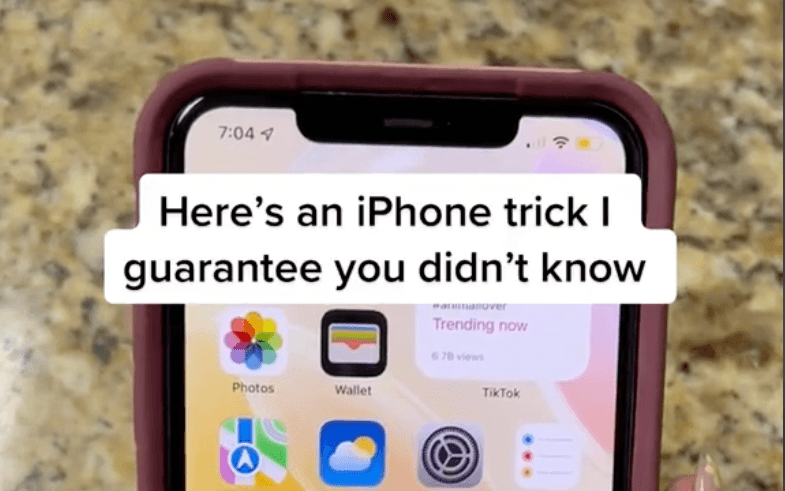
As you can see, going into your settings, finding Safari and changing the 'Close Tabs' function from manually to every month, week or even every day could not only declutter your tabs but also help your phone run much efficiently and therefore save you a lot of juice on the long run. Put in the simplest terms possible, like on a computer, having lots of tabs open slows down your browser because each one is consuming your system’s short-term data storage. Whether it's a phone or a laptop, your RAM (Random Access Memory) stores everything running on a device, even stuff in the background that you don't notice. So while you thought closing the app might be enough, if you still had tabs open, the phone has to use its temporary memory to restore them once you load it back up again. We can't believe it took a TikTok video for us to figure this out, to be honest. Nevertheless, Skye's page is full of various iPhone tips and tricks that can not only help save you battery but keep your phone better organised, run quicker and last longer overall. The company even had to apologise for intentionally slowing down older models and back in June 2021, a lawsuit claimed that manufacturers were intentionally tanking battery life with iOS updates in an effort to execute "planned obsolescence" — i.e. forcing performance throttling them to the point you need to replace it sooner. We're onto you, Apple, but with hacks like this, we might just win the good fight. Or at least survive an extra 10 minutes without having to charge our phone...@ambre_skye Have you ever tried this?? #iphone #lifehack #iphonehacks #tipsandtricks #iphonetricks #ios15 #PepsiApplePieChallenge ♬ Money - Cardi B

Lifestyle

Lifestyle

Lifestyle
Lifestyle
Anthropic revenue soars 45% to $16.8bn before stock listing
Anthropic briefs investors as it prepares for possible IPO Anthropic is preparing investors for a possible stock market debut later this year after revealing that its revenue reached $16.8 billion in the third quarter, marking another sharp increase for the company behind Claude. The figures were presented to potential investors at the firm’s San Francisco […]
Lifestyle
2 days ago
Save 80% on this 5th Generation Apple iPad with 32GB Storage
Don’t miss out on this Apple iPad Wowcher offer Wowcher is running yet another tech offer you cannot miss out on this week, with 80% off a refurbished fifth-generation Apple iPad. If you’re looking to buy an iPad that won’t cost you a small fortune, then look no further than this Wowcher deal. Wowcher is […]
Lifestyle
5 days ago
‘I returned home to find someone parked in my driveway – so I ruined their weekend’
Lifestyle