





News

Share
Published 13:46 17 Mar 2022 GMT
Updated 13:47 17 Mar 2022 GMT

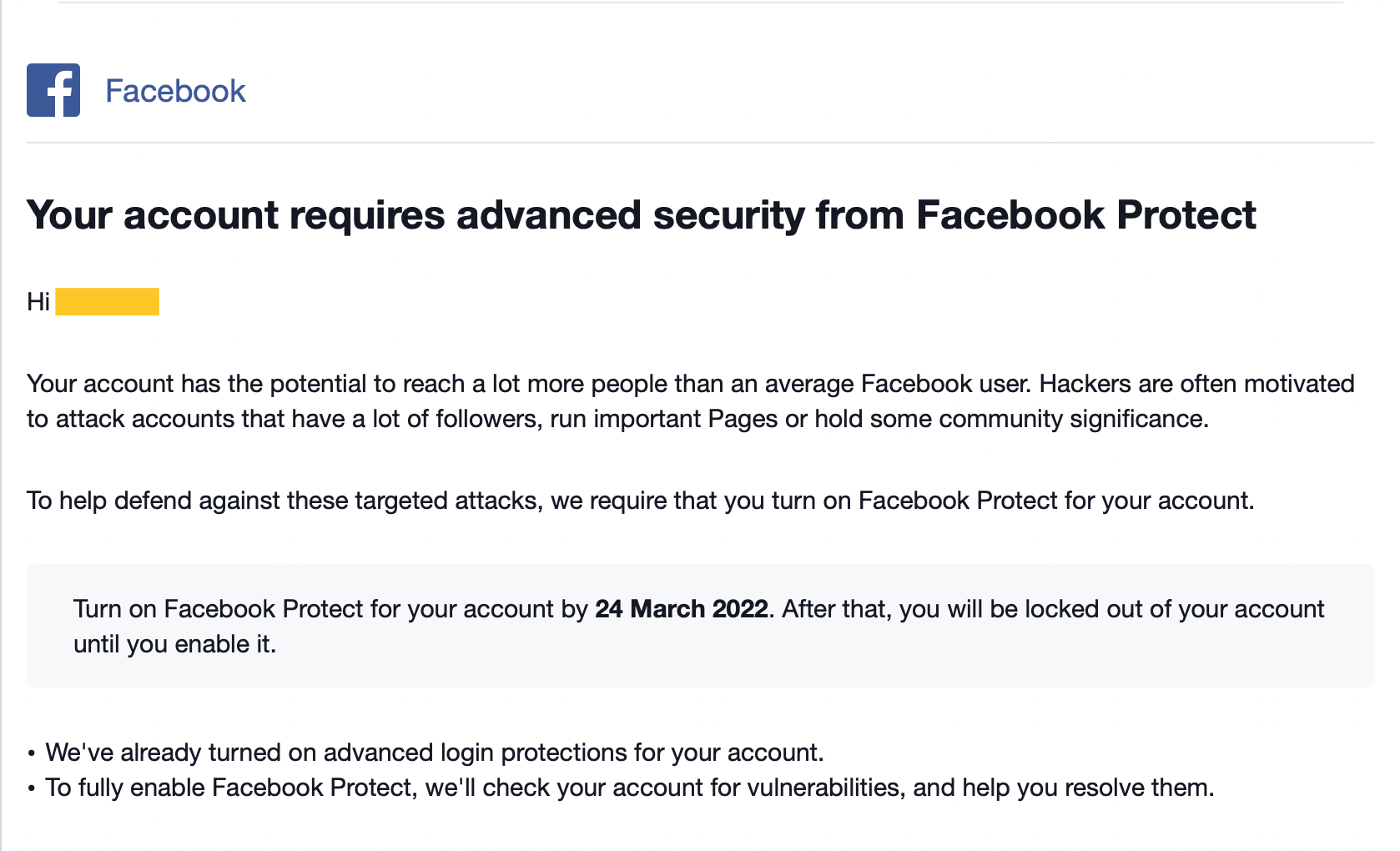 The email will tell you when you need to set up Facebook Protect by in order to keep access to your account.[/caption]
It also gives a deadline for when you need to have set up two-factor authentication - 24 March. If you don't set up Protect by then, you will be locked out of the platform until you do.
To activate the feature you simply need to click the link in the email and follow the instructions.
Alternatively, you can log into your account and activate Protect in the settings.
Go to Settings, then click Security and Login, and there you'll find a tab telling you whether Facebook Protect is on or off.
Related links:
The email will tell you when you need to set up Facebook Protect by in order to keep access to your account.[/caption]
It also gives a deadline for when you need to have set up two-factor authentication - 24 March. If you don't set up Protect by then, you will be locked out of the platform until you do.
To activate the feature you simply need to click the link in the email and follow the instructions.
Alternatively, you can log into your account and activate Protect in the settings.
Go to Settings, then click Security and Login, and there you'll find a tab telling you whether Facebook Protect is on or off.
Related links:
Explore more on these topics:

News
News
News

News
Priest dies after massive crucifix falls onto him during livestreamed mass
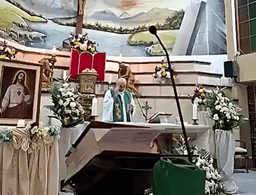
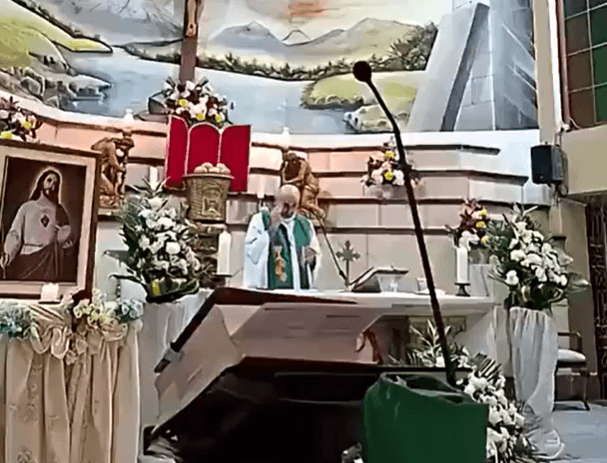
There were gasps and screams inside the church A priest in Ecuador has died following fall of a massive crucifix onto his head, as the mass was being livestreamed. The large wooden cross fell onto Father Sánchez Molinari, 53, while he was giving a sermon inside the church. The incident, in which Molinari was crushed […]
News
17h
Man who died in horror 150ft stadium fall named
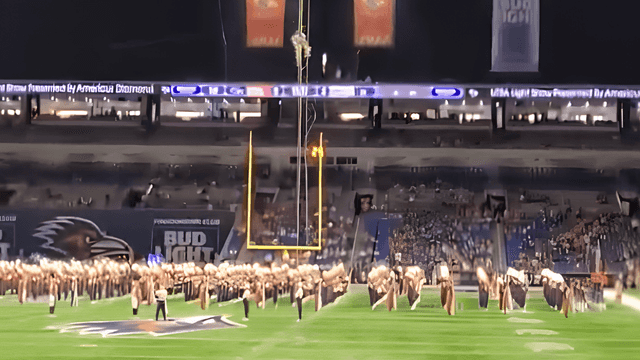
The incident was seen by thousands A man who died after plunging 150ft (46m) in a horror stadium fall has been named. US Airman Tech Sargent Ian Patterson of the US Air Force died from his injuries after falling from the rafters of Texas’ Alamodome stadium. He was doing a fast-rope demonstration when the incident […]
News
17h

News
Nottingham city centre closed after police officer shooting
News