








Entertainment

Share
Published 17:16 26 Apr 2016 BST


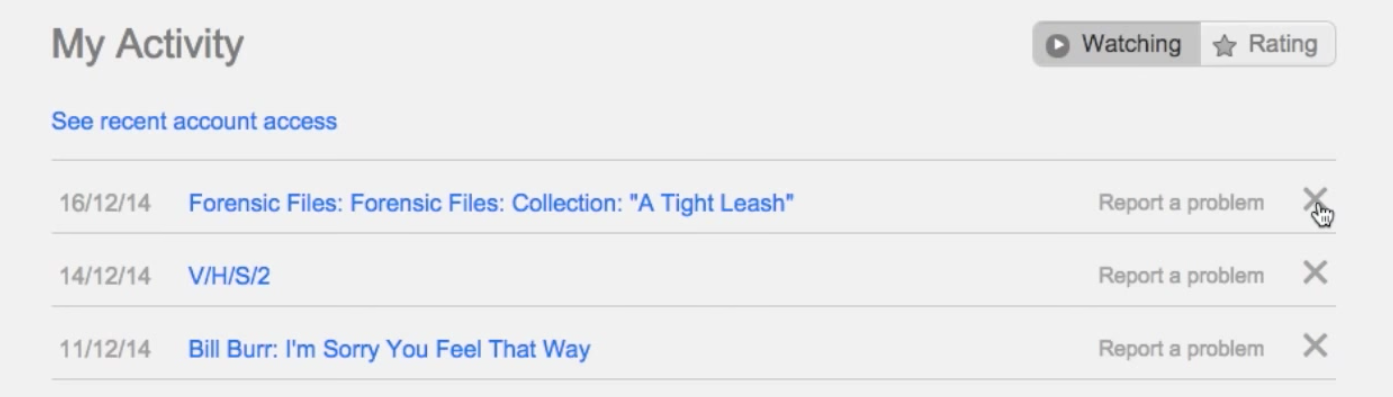
 And that's it. Four simple steps that will ensure your viewing habits can remain entirely covert.
Here's the video guide to the process, set to an overly dramatic soundtrack that really makes it seem like you've covering up an international security operation.
https://www.youtube.com/watch?time_continue=91&v=U4bj1xCi-KU
Happy watching!
And that's it. Four simple steps that will ensure your viewing habits can remain entirely covert.
Here's the video guide to the process, set to an overly dramatic soundtrack that really makes it seem like you've covering up an international security operation.
https://www.youtube.com/watch?time_continue=91&v=U4bj1xCi-KU
Happy watching!
Explore more on these topics:

Entertainment
Entertainment

Entertainment

Entertainment
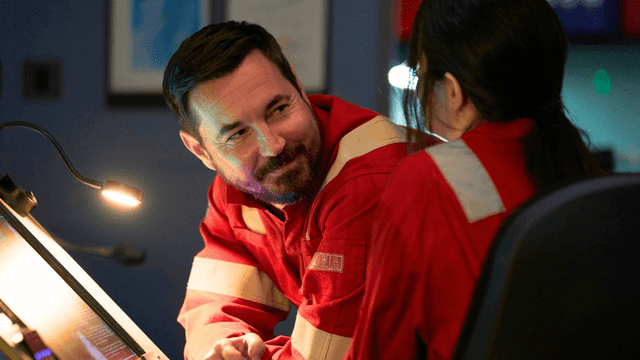
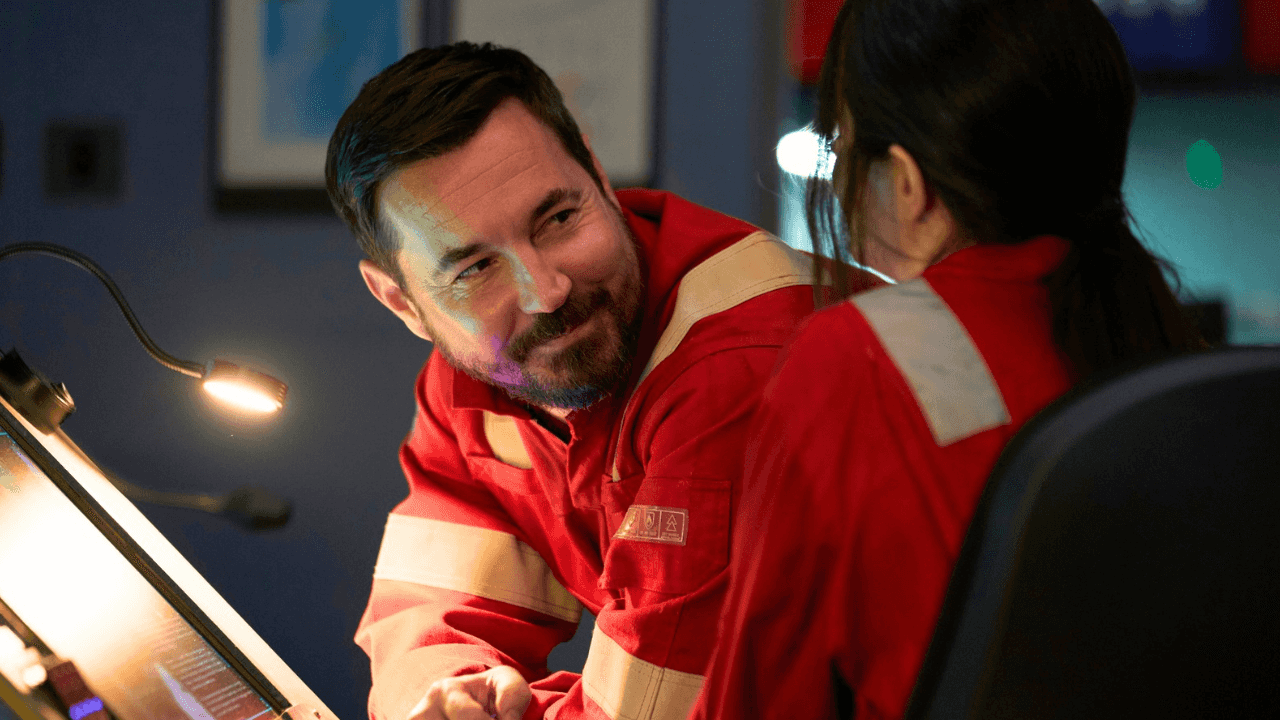
Prime Video’s hit thriller series cancelled, confirms star
EXCLUSIVE: One of the show’s stars told JOE that the show sadly won’t be back for a new season. Prime Video’s British supernatural thriller series The Rig has been cancelled after two seasons, according to its star Emily Hampshire (Schitt’s Creek, WandaVision). Having premiered in 2023, the show followed the crew of a Scottish oil […]
Entertainment
2 days ago
Prince Harry and Meghan make first UK appearance since return
Sussexes announce visit to three Nottingham organisations Prince Harry and Meghan Markle have made their first joint public appearance in Nottingham on Thursday, where visited three organisations supporting people in the local community. The couple’s plans were announced on BBC Breakfast, with the Mirror reporting on the segment. The visit saw the couple meet representatives […]
Entertainment
2 days ago
Entertainment
Glastonbury 2027 tickets gone within 42 minutes of queue opening
Entertainment