






Lifestyle

Share
Published 09:50 8 Feb 2016 GMT
Updated 22:10 7 Sept 2016 BST

 Step 2: Go to http://youtube.com/ and select the video you want to play.
 Step 3: Once it's playing, click the home button on your device (and the video will stop playing).
Step 4: Swipe up from the bottom of the screen to bring up the Control Centre
Step 3: Once it's playing, click the home button on your device (and the video will stop playing).
Step 4: Swipe up from the bottom of the screen to bring up the Control Centre
 Step 5: Press the 'Play' button which is in the media panel and voila!
Step 6: Do whatever it is you like.
You're welcome.
Read more:
Step 5: Press the 'Play' button which is in the media panel and voila!
Step 6: Do whatever it is you like.
You're welcome.
Read more:


Lifestyle

Lifestyle
Lifestyle

Lifestyle
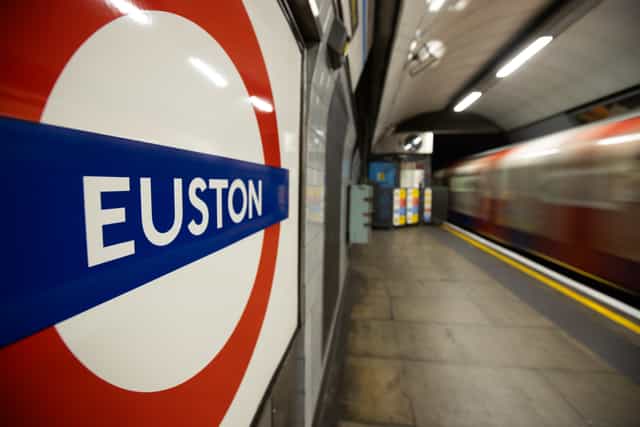
Euston named London’s worst railway station for toilets
Euston at the bottom of the list of railway station toilets London Euston has been named the capital’s worst railway station for toilets, after a study analysing thousands of TripAdvisor reviews from across the UK and Europe. Some 63% of reviews of the station’s facilities were negative, placing it eighth in the overall rankings, as […]
Lifestyle
1 day ago
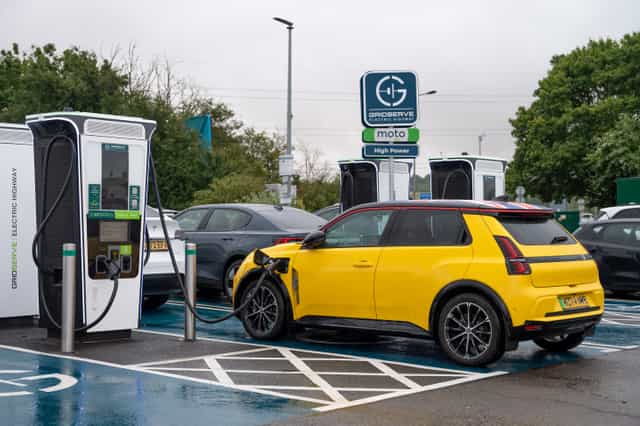
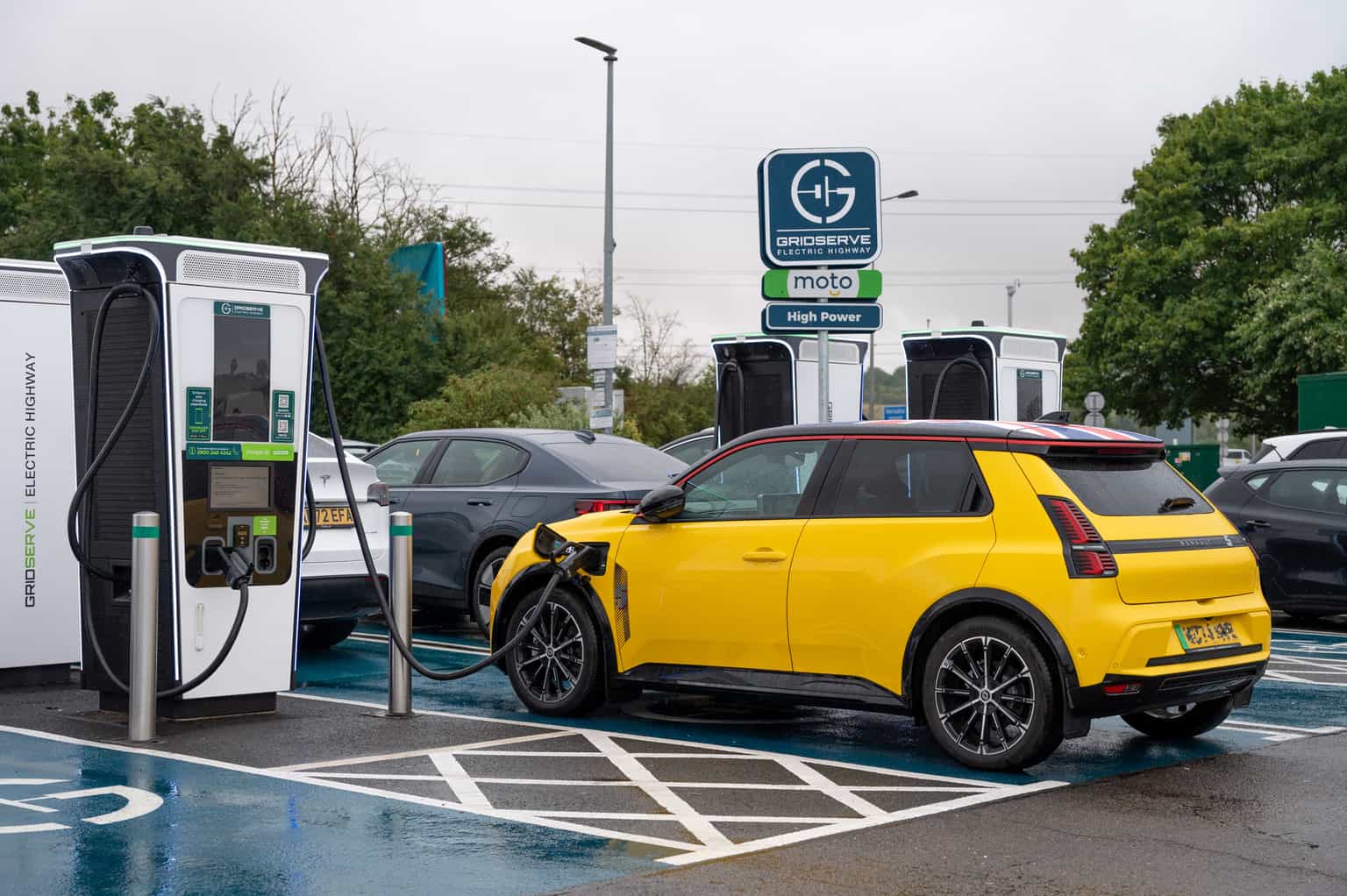
Renault 5 named UK’s best-selling electric car
The Renault 5 tops charts in UK sales The Renault 5 has been named the best-selling electric car in the UK, topping figures released by the Society of Motor Manufacturers and Traders (SMMT) for July. The multi-award-winning supermini recorded 1,805 registrations, ahead of the Kia EV3 on 1,691 and the Jaecoo E5 on 1,291, in […]
Lifestyle
1 day ago

Lifestyle
Carajillo: The coffee cocktail beating espresso martinis
Lifestyle