









Tech

Share
Published 13:45 12 Oct 2026 BST
Updated 13:45 12 Oct 2026 BST
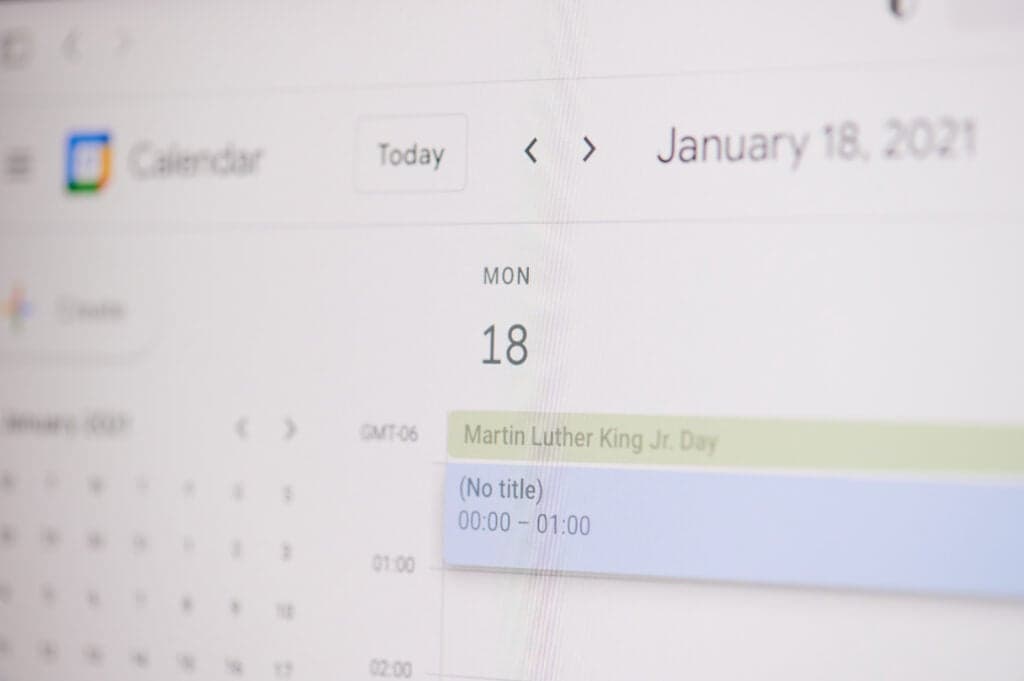
A suspicious appointment appearing in your Google Calendar could be part of a scam, even if you never opened the email that sent it.
Cybercriminals are exploiting calendar settings to push fraudulent events directly into people's schedules, hoping to trick them into handing over private information.
Threat detection engineer Luke Wescott says the technique, known as calendar phishing, has undergone “exponential growth”.
The scam works by sending invitations to personal or professional email addresses.
They might resemble routine work meetings, payment receipts or reminders about a subscription renewal, making them difficult to distinguish from genuine appointments.
In some cases, the invitation can appear in Google Calendar without the recipient doing anything at all.
Even if the accompanying email lands in the junk folder, the event may still show up in their schedule, depending on their settings.
A fraudulent event might sit among appointments with colleagues, medical visits or everyday reminders, making it seem as though it belongs there.
Wescott calls this effect “borrowed credibility”, explaining: “It can create a borrowed credibility by showing up in the same place as your dentist appointment or a weekly 1:1 with your boss.”
The messages behind these scams are designed to look familiar enough that people won't think twice before opening them.
One invitation might claim you've missed a voicemail, while another could flag an unusual PayPal transaction or warn that a payment is about to leave your account
Work calendars aren't necessarily any safer. Fraudsters can make their invitations resemble legitimate company correspondence, complete with branding that makes the request seem like it's come from a colleague.
A link could send someone to a bogus sign-in page made to resemble Google, Microsoft or PayPal, where their password can be captured.
Phone numbers may lead to fake support representatives who claim there's a payment problem and offer to help cancel a charge that doesn't exist.
Wescott explains: “Either they want you to click a link to a fake login page like Microsoft, Google or PayPal, and enter your password, or to call a ‘support’ number to cancel a charge that never actually happened.”
The important distinction is that an unwanted calendar entry alone doesn't mean a victim's account has been breached.
The risk comes from engaging with the scam, such as visiting a fraudulent website or giving a stranger sensitive information.
Unexpected calendar alerts should be treated with suspicion, particularly if they ask you to resolve a payment issue or provide personal details.
Resist the urge to investigate through the information provided in the event itself: don't open its links or call the listed numbers.
Even an invitation that appears to come from a familiar colleague shouldn't automatically be trusted. Gannon says it's important to question requests that arrive out of the blue, regardless of who they appear to be from.
Google Calendar's settings can also help limit exposure to these unwanted entries.
Users may be able to prevent events from being added without their approval, or restrict automatic invitations to senders they already know.
There's another detail to keep in mind when removing a suspicious appointment. Wescott cautions against selecting “decline”, as responding to the invitation could confirm to scammers that the email address is in use.
Deleting the event directly or reporting it as spam or junk is a safer option, allowing users to clear their calendars without signalling a response to the sender.
Explore more on these topics:

Tech

Tech

Tech

Tech
Save 79% on this Series 7 Apple Watch on sale for a limited time
Looking for a new Apple Watch? Don’t miss this offer If you’ve been looking for an Apple Watch you can actually afford, then don’t miss out on this Wowcher deal. For £89, you can save 79% on this Refurbished Series 7 Apple Watch. Enjoy advanced smart features and reliable performance in a professionally refurbished device […]
Tech
1 week ago
People are swiping up this refurbished MacBook Air for £99
This MacBook Air offer is too good to miss If you’re looking to upgrade your laptop but can’t afford a brand new MacBook Air, then this is the perfect offer for you. Wowcher is currently selling refurbished MacBook Airs for a fraction of the original price. For £99, you can buy a trusted refurbished MacBook […]
Tech
3 weeks ago

Tech
Irish police to receive pursuit training as five boys killed in motorway crash named locally
Tech